Confidential
Redesigned a workflow tool that reduces production mistakes
This prototype is confidential work for ASML.
None of the data in it is real. All names, numbers and items are made up for demonstration.
Recurring production mistakes and customer complaints became an ongoing challenge. ASML’s solution seemed simple: build an internal tool to help workers reduce production errors. However, the tool struggled to gain adoption because the user experience was overlooked during its development.
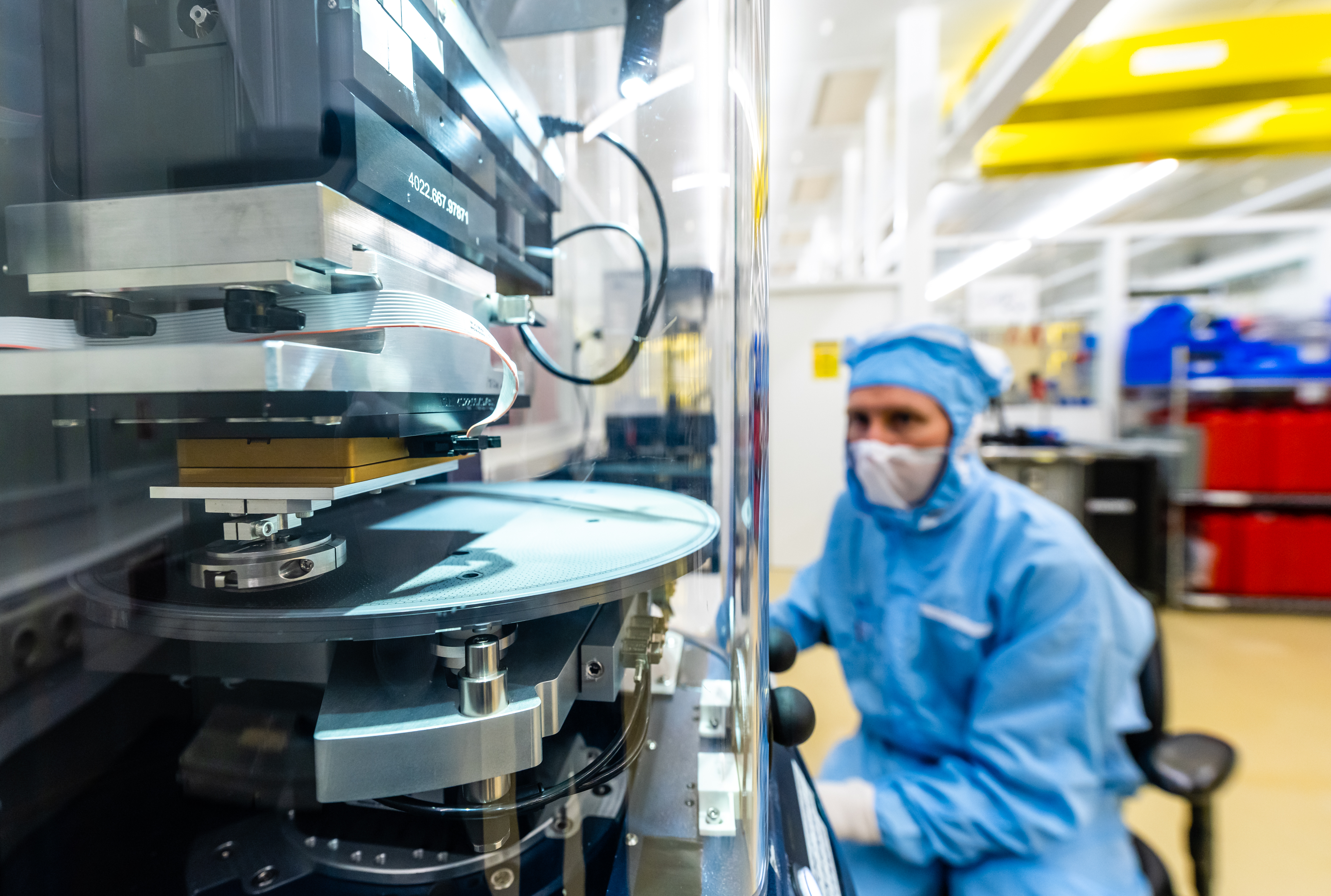
Getting complaints from clients because of production mistakes.
An internal tool was built to reduce production mistakes, but adoption remained low.
Nobody had designed it for the people using it. ASML needed a designer to turn it into something workers would choose to use.
First finding the real problems, then designing logical workflows and interactions that follow how workers really work and understand.
What changed adoption by design
Process
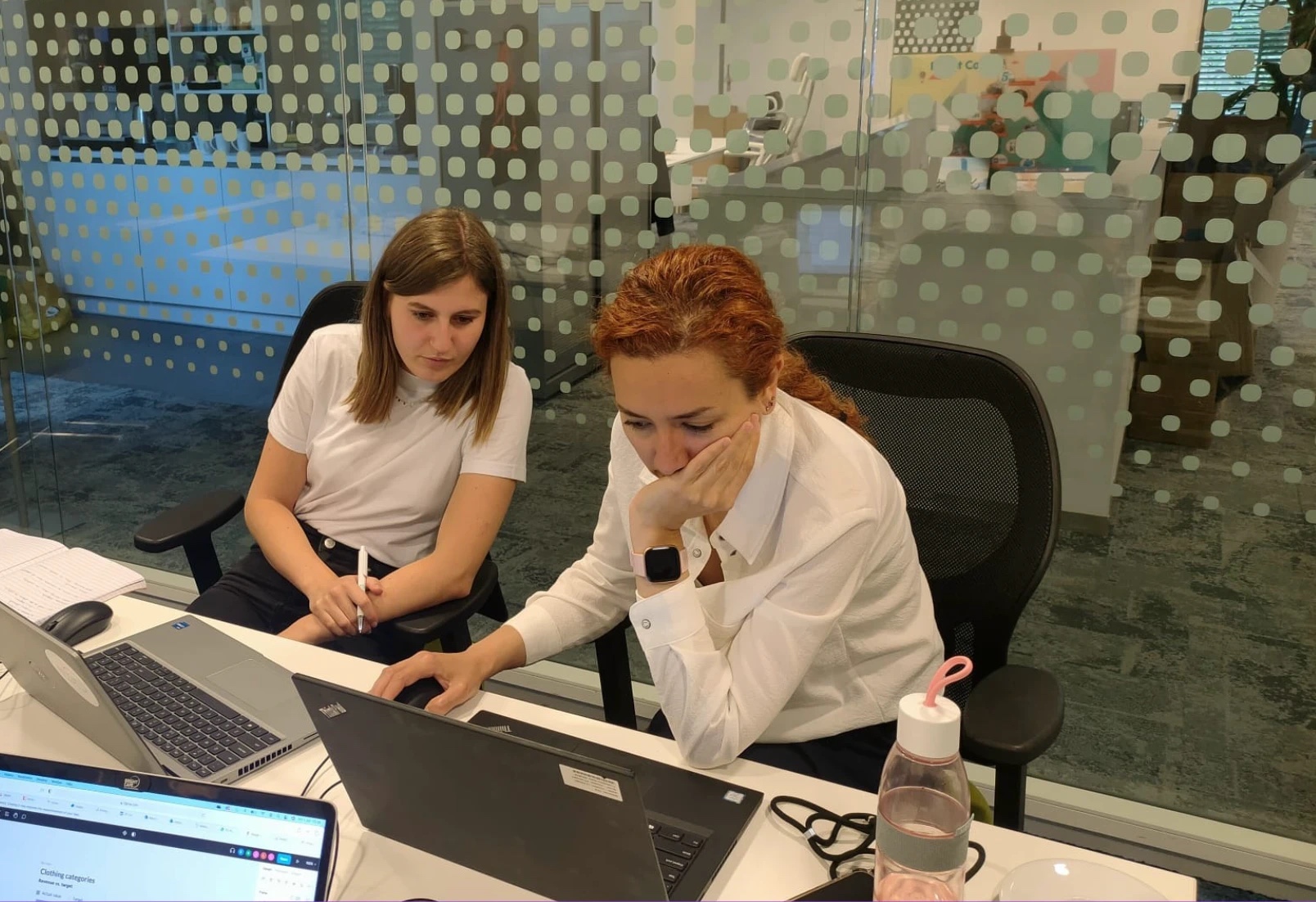
Problem discovery took longer than expected: the project had run for 7 years, with too many stories and stakeholders. I collected the pieces to find the right problem. Not every problem I heard was real. I clustered the problems and validated them with other parties. Once they were in manageable groups, I had the arguments I needed for stakeholders and business owners.
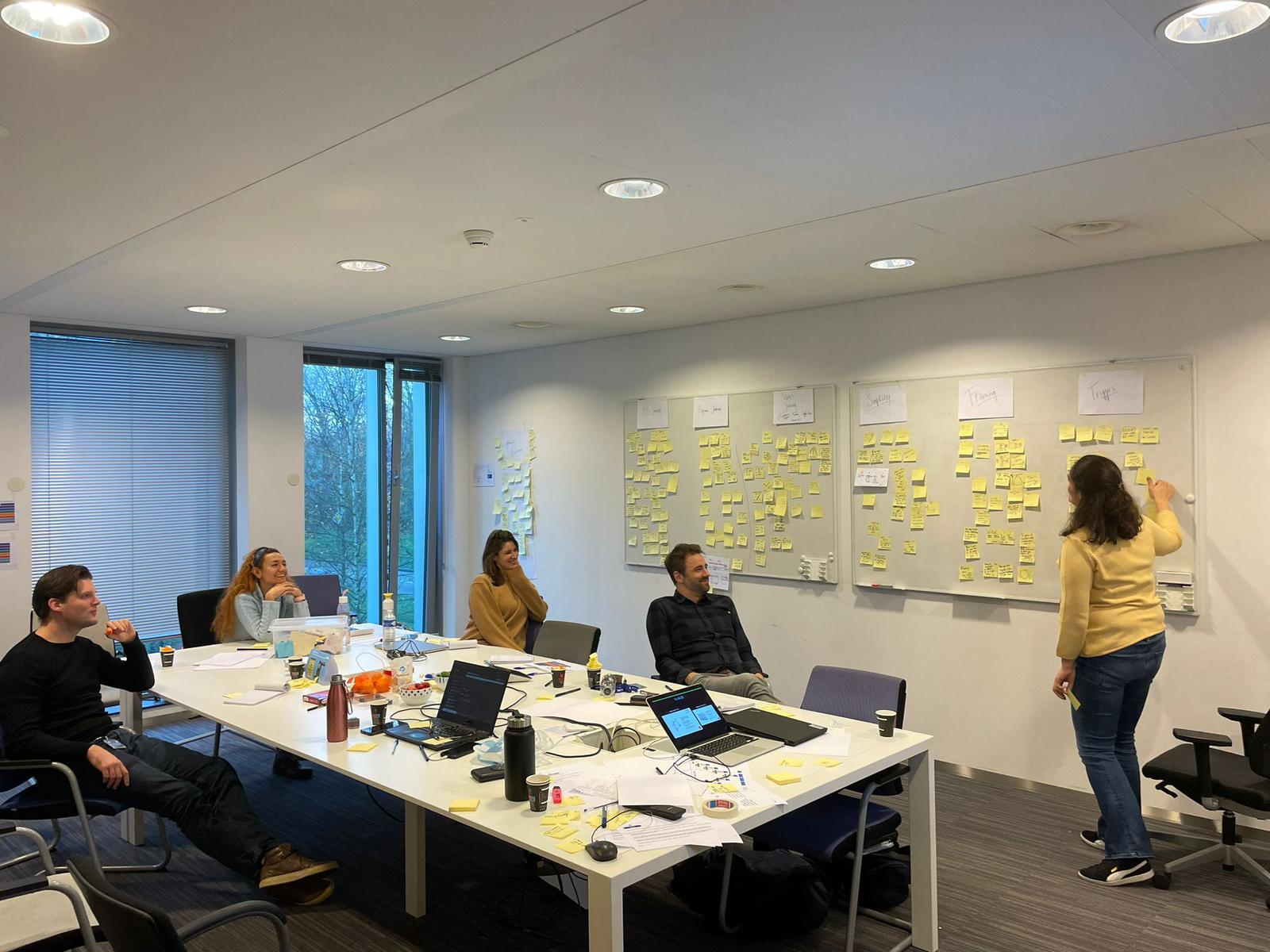
What I heard
“The tool looks bad, we need to improve it.”
“We do not actually know who will use it.”
“The tool is too technical.”
None of them were the real problem.
The real problem: the tool had no clear purpose before it was built.
Before and after
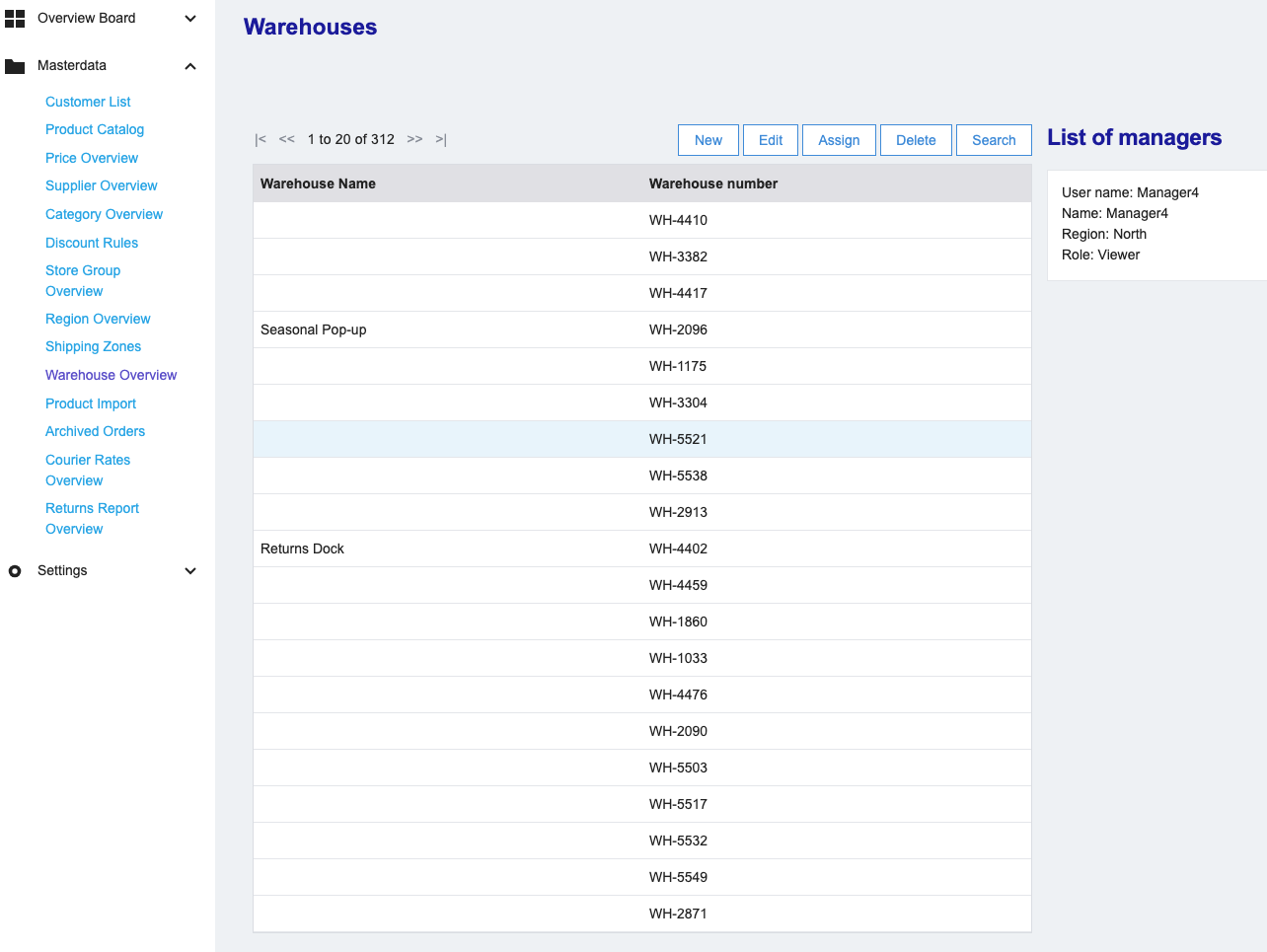
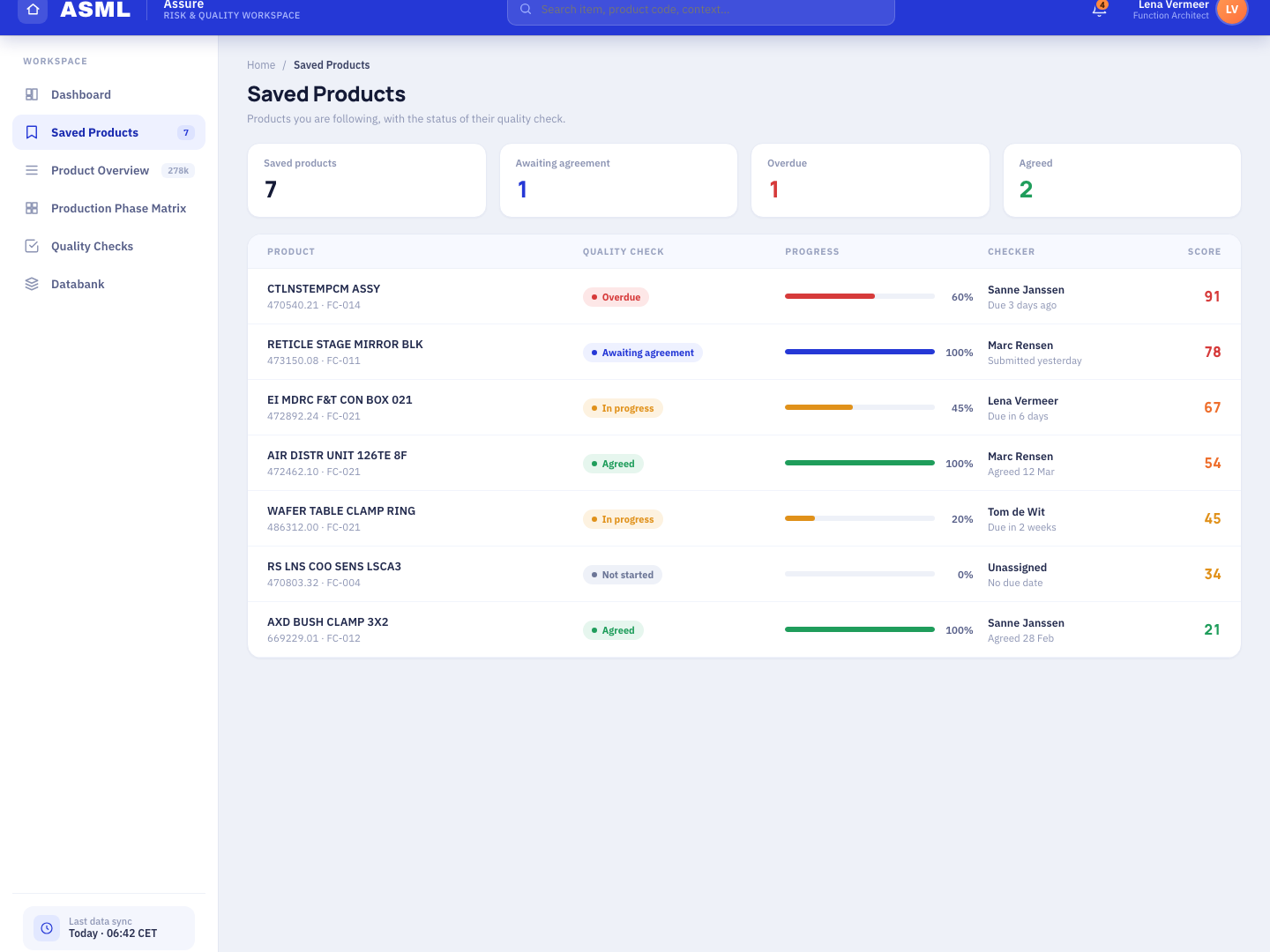
A few selected UI interaction improvement examples.
The landing page said nothing
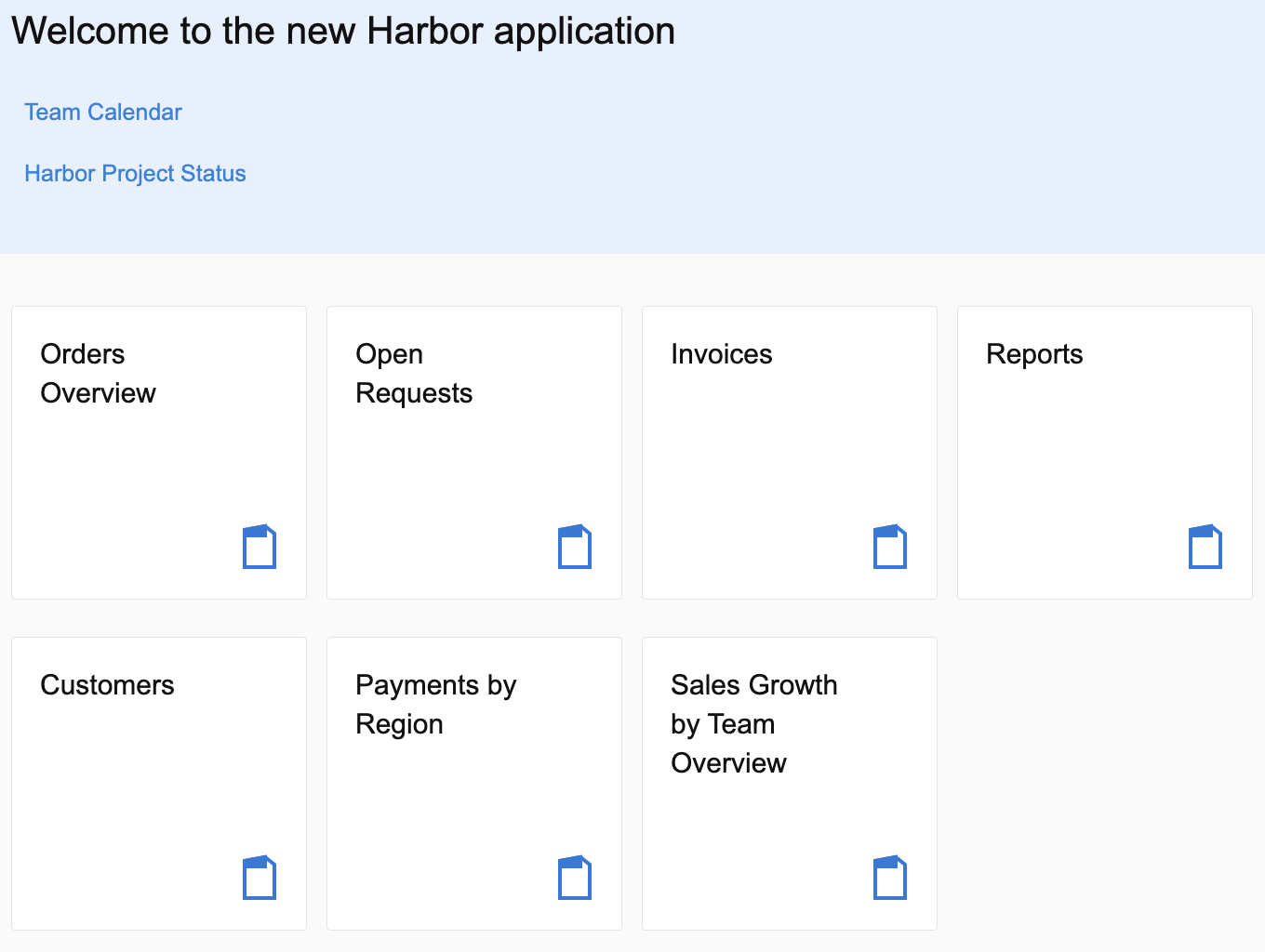
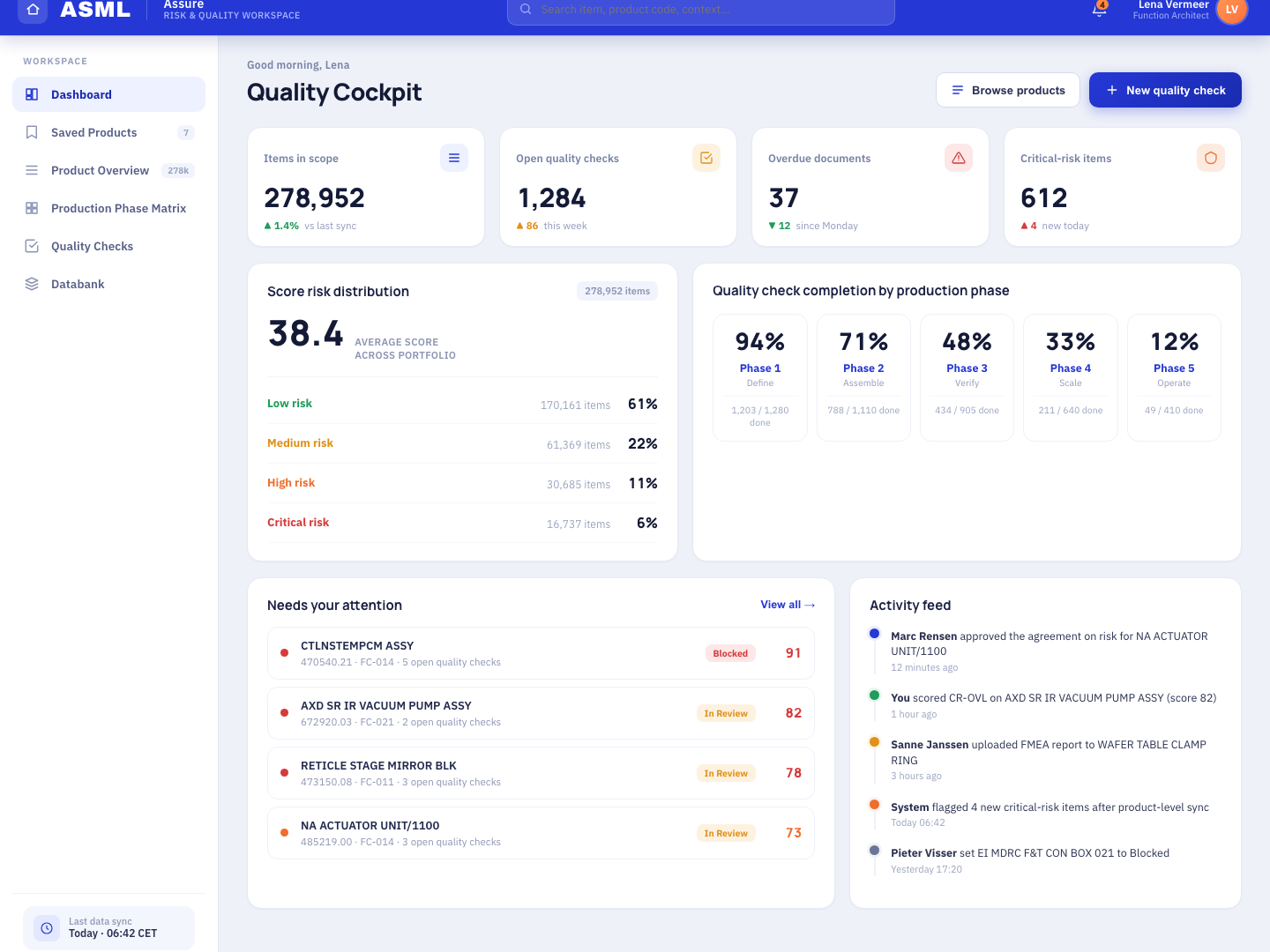
Process start was hidden
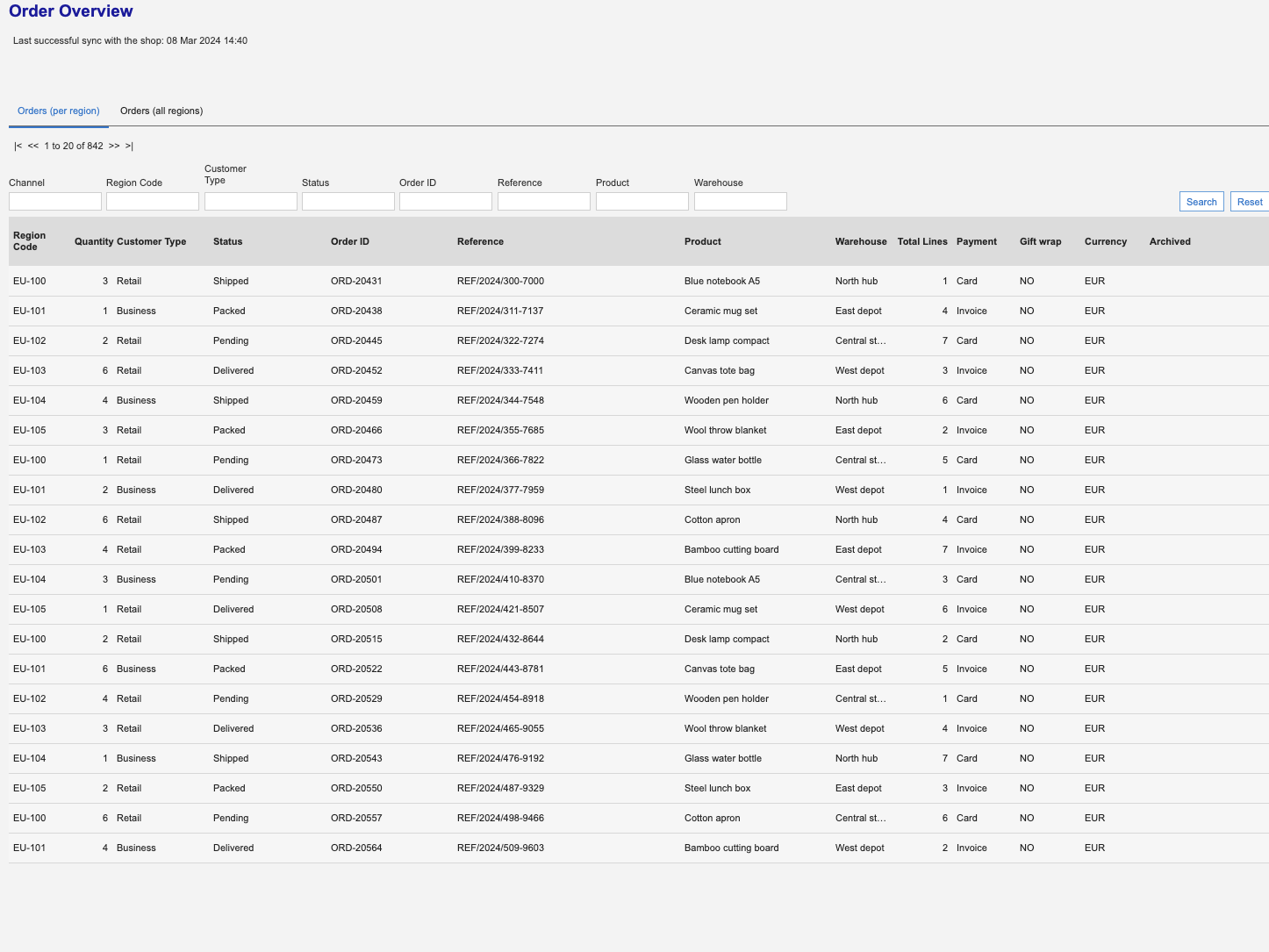
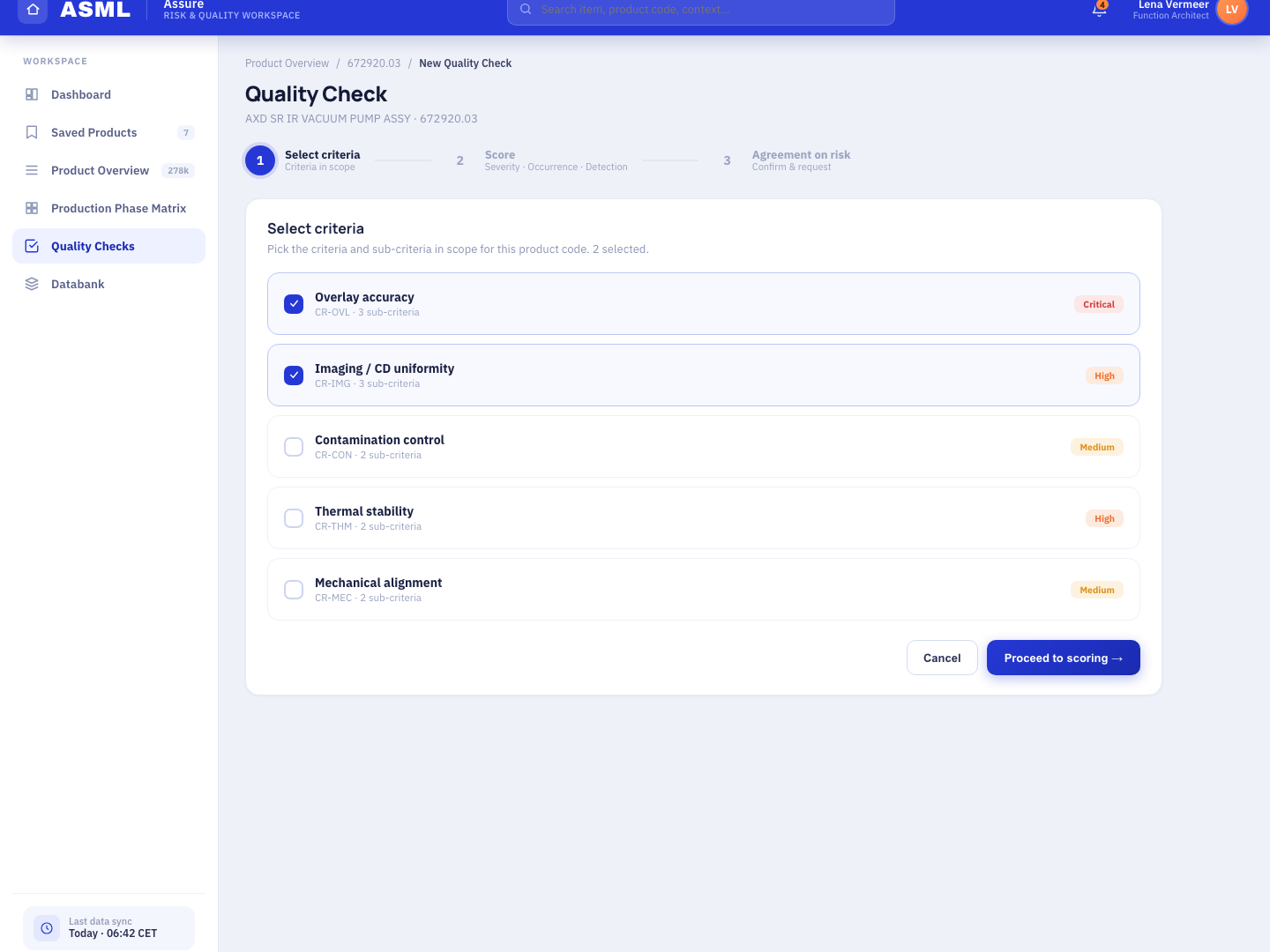
The data was not organized
Final reflections
In the ASML environment I learned how to navigate ambiguity and complexity in a technical project. It was a place where nothing was clear, but there was a lot of space to show the value of UX. My team appreciated the improvements because UX was a new and different discipline. I did not need to sell UX. People were already into it.
What would I do differently?
The most significant thing I would do differently is managing communication. Communication with stakeholders who have a technical background was the biggest challenge. I thought I could learn the technical language by listening. I was wrong. I felt overloaded by technical information. Next time I would use visuals and analogies from day one. For example, I would encourage team members to use whiteboards more and keep the key message as the priority before we lose ourselves in the technical terms.